Music collaboration software compared side by side looks different when the job is a live jam versus a clean mix handoff. Real-time audio is common, but keeping track of versions and song credits is a separate problem. Here are ten options, including SESSION, and the work each is built to support.
1. SESSION
SESSION is a pre-launch workspace being built around the work that surrounds a song: collaboration, file and version organization, credits, rights records, and release preparation. It’s aimed at independent artists, producers, songwriters, engineers, and small music teams.
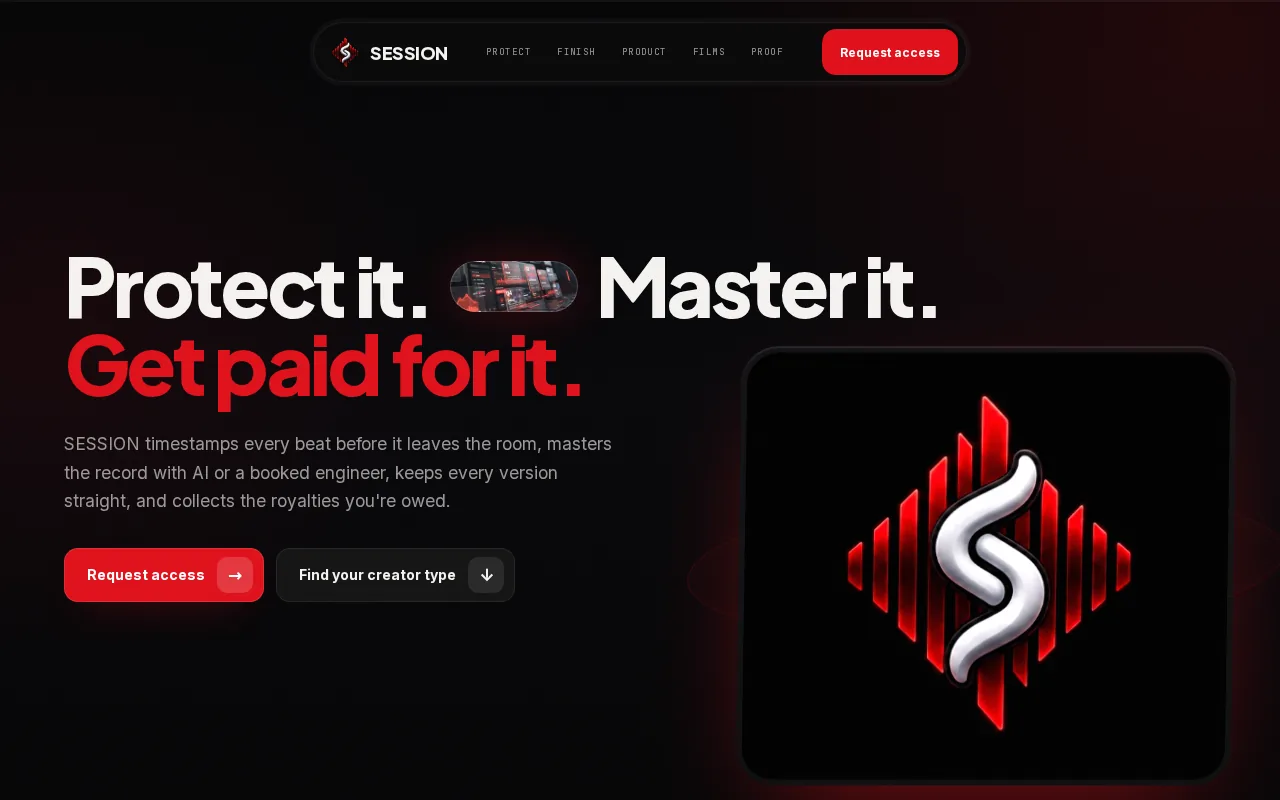
That focus matters after the writing session ends. Imagine sending an engineer a new mix while a co-writer still has an older file. SESSION’s planned workflow is meant to connect song projects with versions and credits, rather than treating each handoff as a separate task. Those capabilities are in development, so don’t mistake the product direction for a promise that every workflow is available now. The SESSION overview of its planned music workflow explains the wider goal.
SESSION is a fit to watch if your main pain point is project continuity, not a live remote jam. It’s pre-launch, so creators can request early access.
2. BandLab: browser-based multitrack collaboration
BandLab pairs a browser-based multitrack audio editor with real-time collaboration in the same project space. It suits creators who want to work together in a web browser instead of passing a project between separate apps.
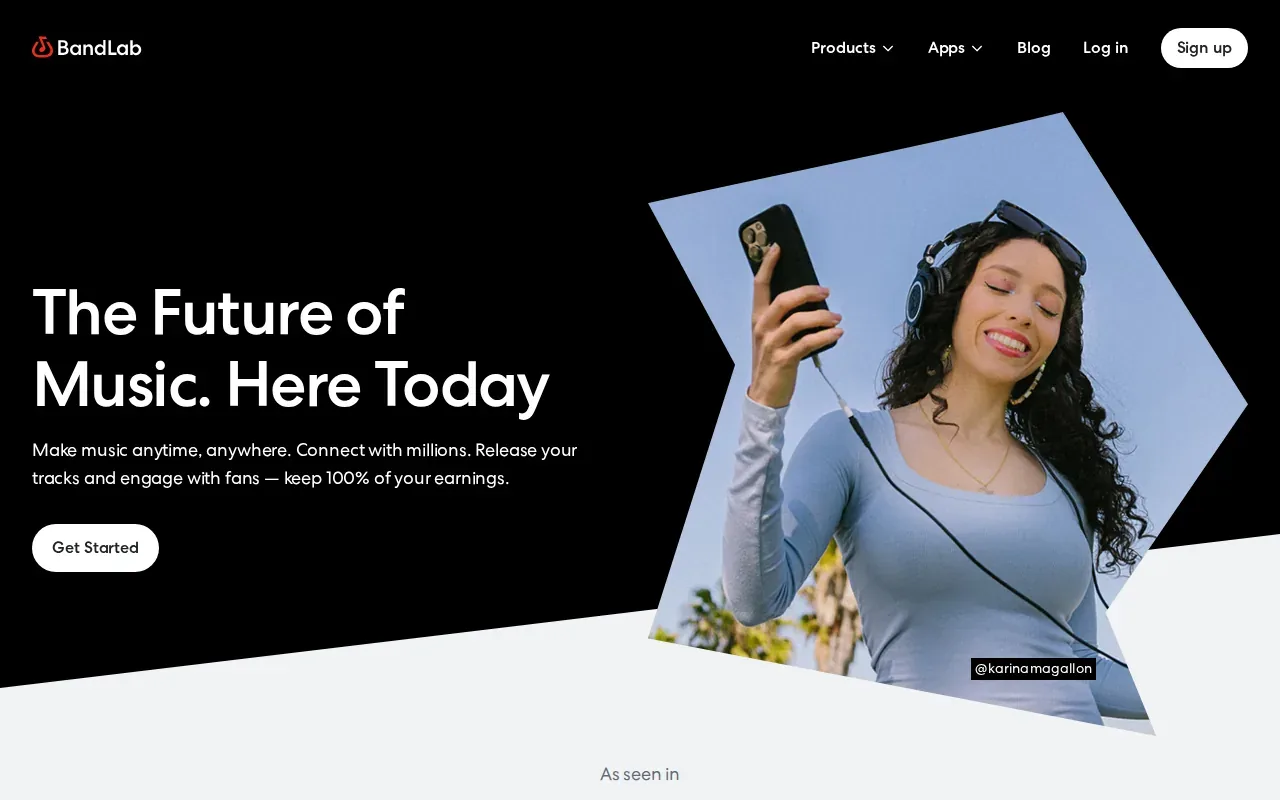
Because collaborators work in the same project space, it can support a shared writing or production session. BandLab’s export guide covers downloading WAV files and stems, which gives you a way to move audio into another part of your process. For example, a collaborator can work on a browser project, then export stems for a later mix handoff.
The trade-off is about workflow fit: this is a web-based option, while some teams want to keep their main work inside a desktop setup. Before you start, agree on who will export the files and how the group will name versions. That small decision helps keep the handoff clear.
3. JackTrip: real-time audio over networks
JackTrip provides virtual studios for live audio collaboration, with desktop and browser options. It suits musicians who want to share a session remotely; the usable latency depends on the network and audio setup.
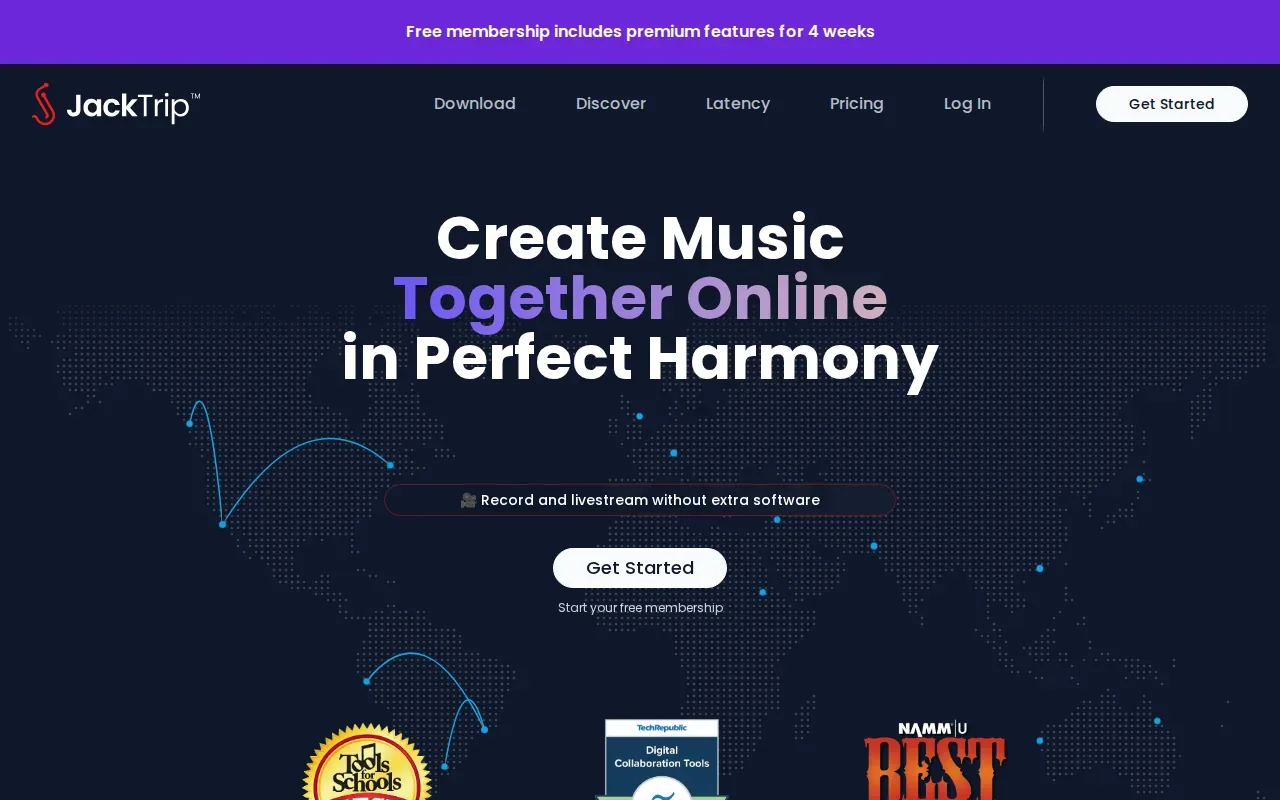
Live playing puts network delay in the foreground. Audio latency is the time between a sound entering a system and being heard at its output; even a small delay can affect a tight musical part. Latency is a key issue in digital audio, so a tool built for real-time transmission solves a different problem from one built around file review.
JackTrip is worth considering when playing together is the main goal. It doesn’t replace a clear process for naming takes or documenting song credits, so plan a separate handoff for the files and decisions you need to keep.
4. Jamulus: online jamming with desktop audio setups
Jamulus is an online jamming client for musicians who want to perform together over the internet. It suits desktop setups that use an external audio interface and common desktop audio stacks.
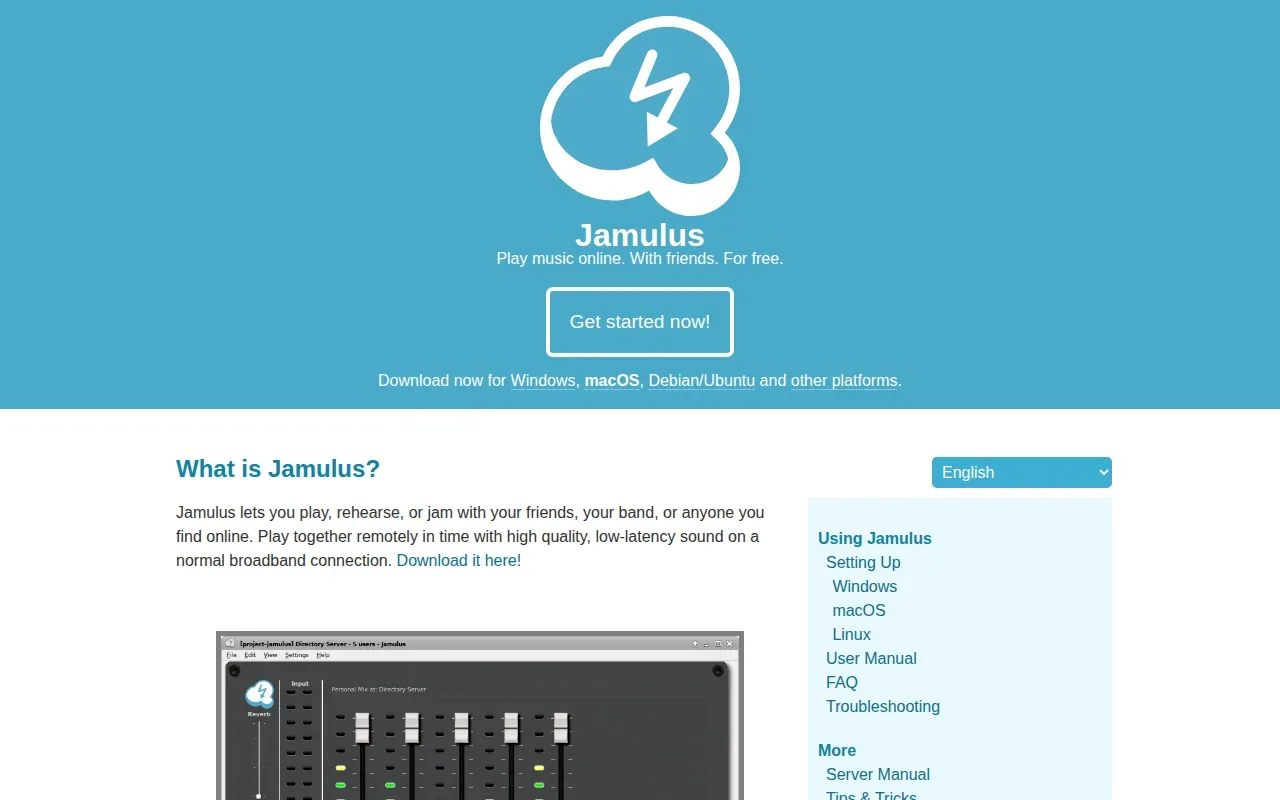
Its server collects audio from Jamulus clients, mixes the incoming streams, then sends the mix back to each client. That design makes it a live-performance tool, not a shared songwriting archive.
Check the Jamulus setup guidance and test the audio path with your group before the rehearsal. Pick Jamulus when the group’s goal is to play in time together, rather than review a mix asynchronously.
5. Sessionwire: a virtual studio for remote production
Sessionwire is a remote audio collaboration platform for musicians and producers. It suits teams that want a virtual studio for remote production where several people can join.
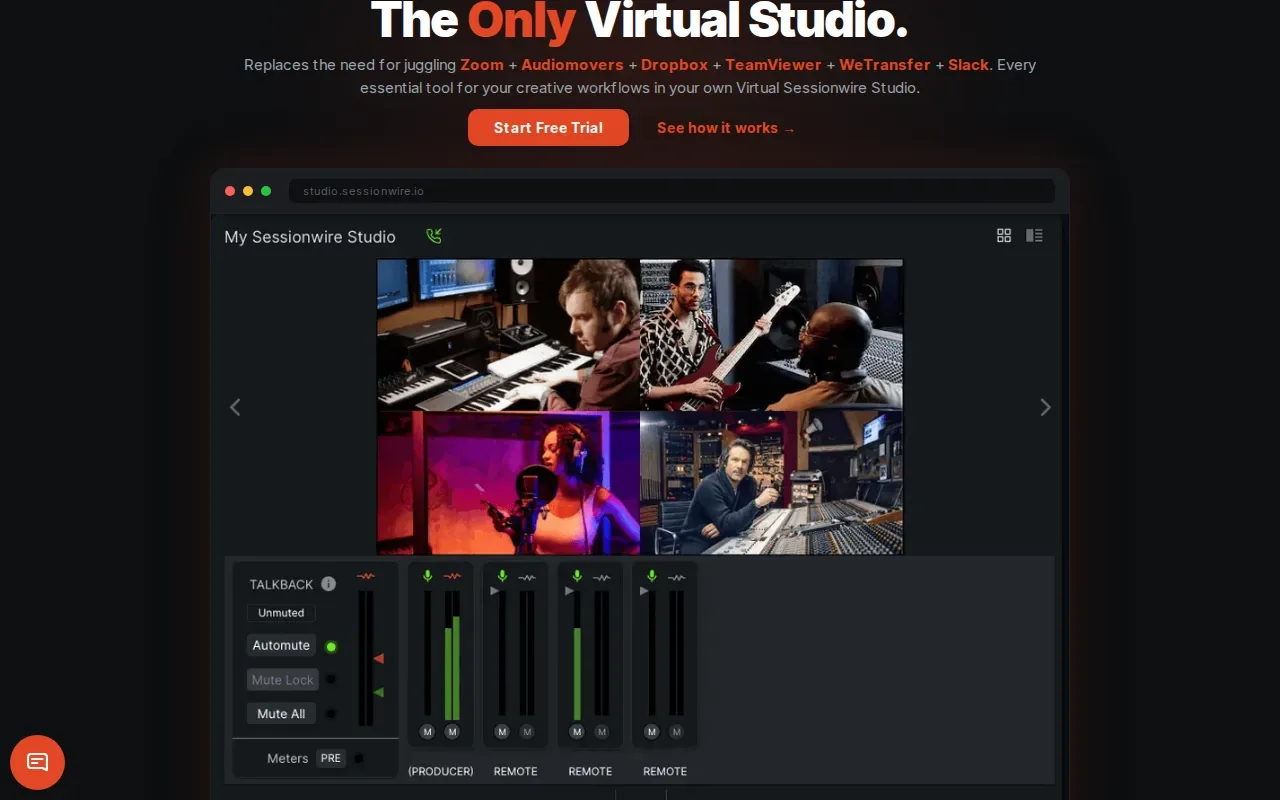
The product description centers on a music-specific virtual studio with audio, video, talkback, file transfer, and DAW-aware tools. That combination is useful when a session needs more than a live audio feed. For example, a producer might guide a performer through a take while the group talks through what to try next.
A shared room still needs a shared record of decisions. Agree on where the final take will live and how you’ll mark a chosen version after the session. That keeps the live work connected to the later file handoff.
6. VST Connect Pro by Steinberg: directed remote recording
VST Connect Pro by Steinberg is a remote recording tool for directed sessions. It suits producers who want to guide a performer’s recording from a distance, especially within a DAW workflow.
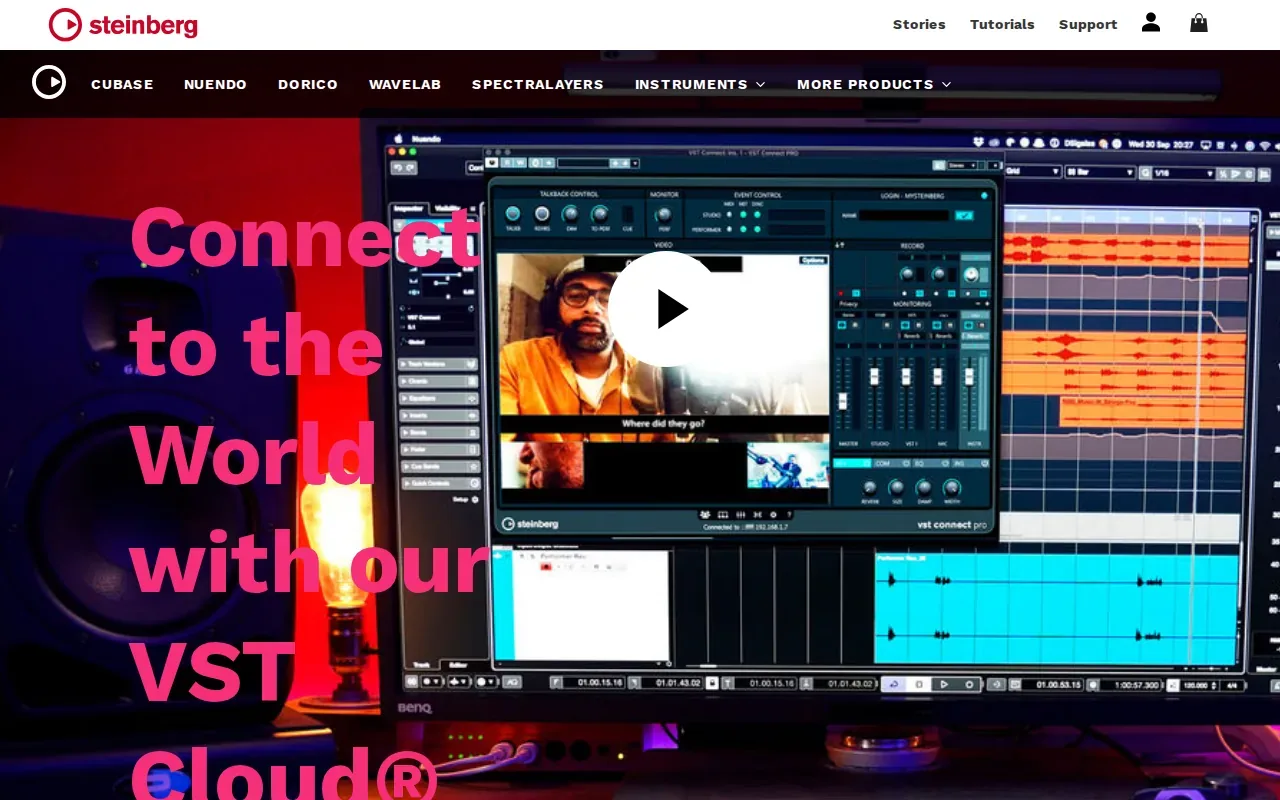
The producer controls the picture, talkback, and cue mix. Steinberg’s VST Connect Pro specifications list support for up to 16 channels at up to 192 kHz. Uncompressed files transfer in the background, so the producer can direct the session without treating a compressed live feed as the final recording.
This is a focused recording workflow rather than a general-purpose project space. It makes sense when one person is directing and another is performing. Teams should still keep a clear naming rule for takes and a record of which recording the group approved.
7. Pibox: mix revisions, comments, and approvals
Pibox focuses on revisions, comments, approvals, and file handoff. It suits people who need to review a mix or cut and keep feedback tied to the right moment.
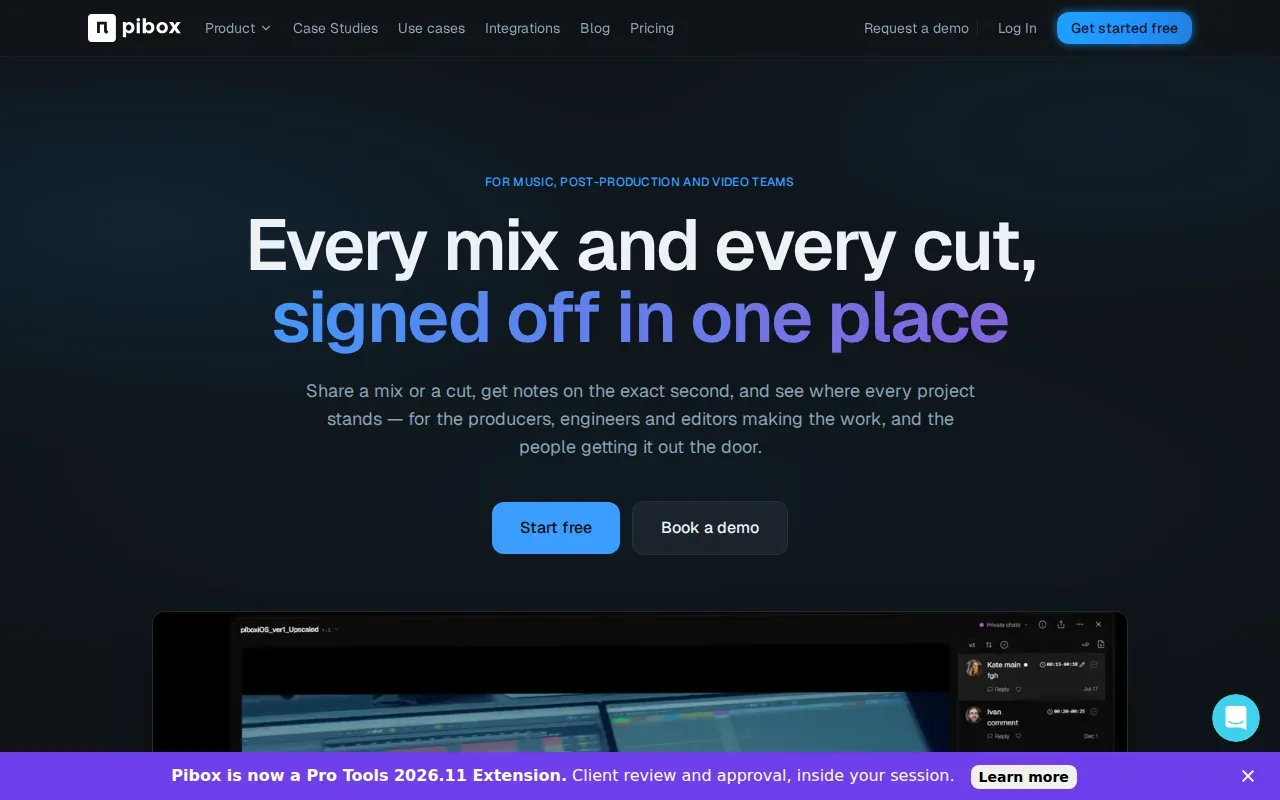
A reviewer can leave a note at an exact second, which gives the creator a clear place to start. That’s handy when feedback is specific, such as asking to adjust one vocal entry instead of sending a broad message about the whole track. The product description also frames it as a way to see where a project stands.
Pibox’s focus in this comparison is review and delivery after recording, rather than synchronized online performance. A useful habit is to identify the mix under review before asking for notes, so comments stay attached to the right version.
8. Kompoz: a collaboration community for song projects
Kompoz is a collaboration community for song projects. It suits song projects where people contribute at different times rather than playing together in real time.
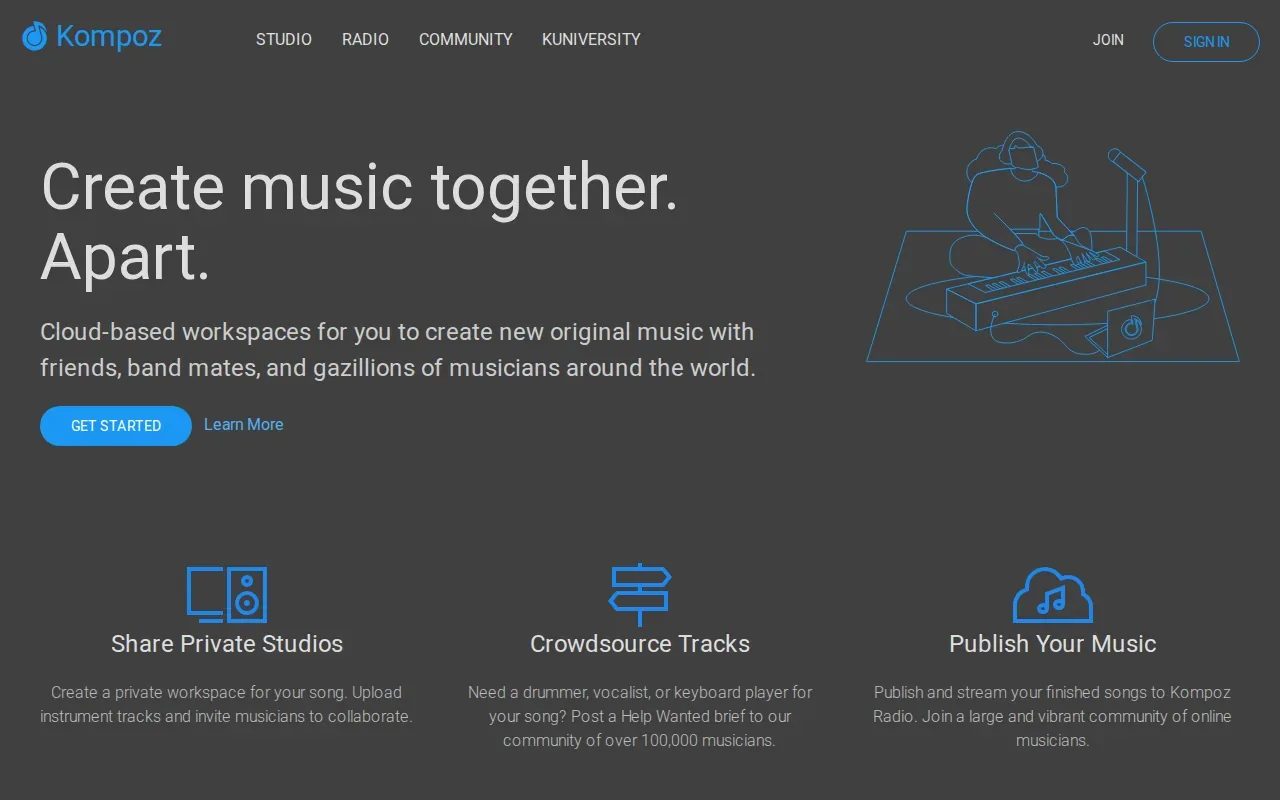
That asynchronous setup changes how a group works. A songwriter can share a project for others to contribute to, then review the new material when it arrives. You don’t need every collaborator in the same live session, but you do need clear notes about what’s been added and which version should guide the next contribution.
Kompoz isn’t described as real-time collaboration software. If your main need is to jam live over the internet, look at a tool built around live audio instead. If you work in rounds, set expectations for file names and feedback before the first exchange.
9. Soundtrap: browser and mobile collaboration
Soundtrap supports collaboration in its online studio, including video, chat and comments on shared projects. Its web browser and mobile support make it a fit when collaborators need to join through different kinds of devices.
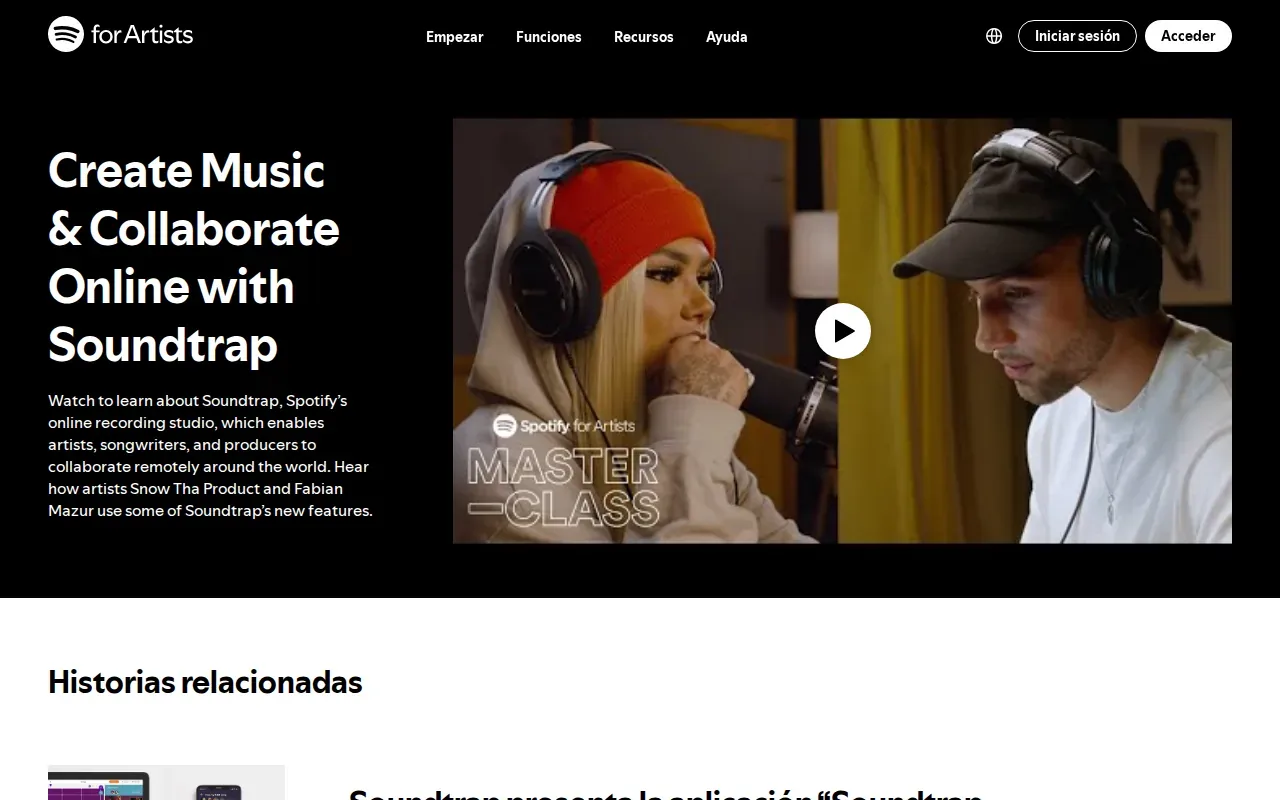
Shared browser sessions can make it easier to start work together without moving a desktop project between people. Before moving the work into another DAW, check Soundtrap’s current export options and your plan. Agree on the delivery format with the receiving engineer before the project starts.
Before you begin, check that the browser-based session fits the job you’re doing. If the next step depends on a desktop DAW, agree on the export and handoff plan in advance. That way, a quick shared session doesn’t turn into confusion about which audio files are current.
10. LANDR Sessions: live audio and feedback
LANDR Sessions is a live audio and video collaboration tool for listening and feedback. It suits musicians who want collaborators to hear audio from a DAW and respond while the session is underway.
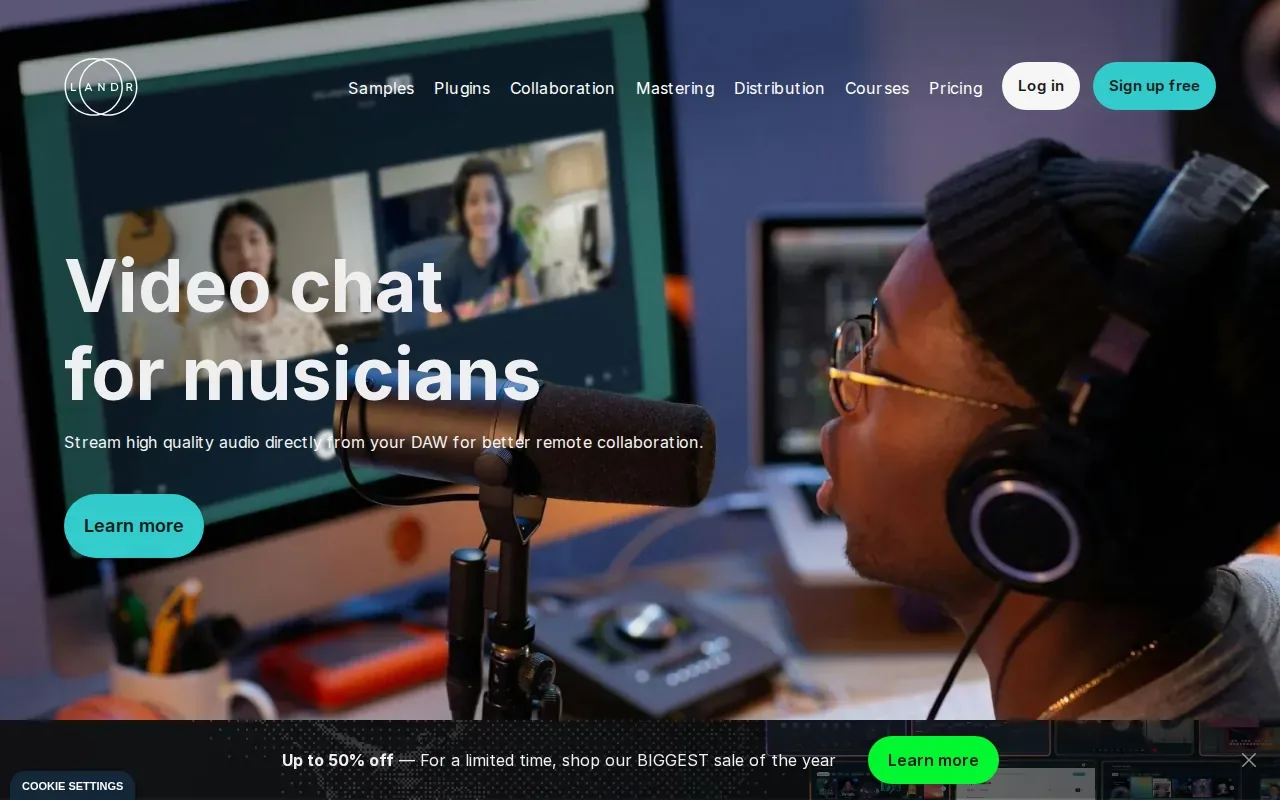
The product page describes real-time feedback, live track changes, remote songwriting, and recording-session oversight. Sessions can also support group lessons, and a mobile app is described as being in beta. Its workflow uses a plugin added to the DAW’s master bus to host a session. A digital audio workstation is software used to record, edit, and produce audio.
LANDR Sessions is centered on shared listening and live input. Agree who will record decisions and action items after listening. For long-term project order, decide where you’ll keep approved versions and credits.
Music collaboration software comparison table: workflows, features, and trade-offs
Choose based on the moment where your workflow tends to break. Live tools help people play or listen together. Review tools help teams handle feedback after a take. SESSION is being built around the project record that connects versions, credits, and release preparation; those features are planned, not a claim that the pre-launch product is fully available.
| Option | Best-fit workflow | Live work | File or project handoff | Key trade-off |
|---|---|---|---|---|
| SESSION | Song projects, versions, credits, and release prep | Collaboration is part of the planned workspace | File and version organization is planned | Pre-launch product; check current access status |
| BandLab | Browser multitrack work | Yes, in the same project space | WAV and stem export | Web-based workflow |
| JackTrip | Remote live audio | Yes | Direct audio transmission | Uses host audio paths |
| Jamulus | Desktop online jamming | Yes | Real-time collaborative audio | Uses an external audio interface and common desktop audio stacks |
| Sessionwire | Remote production and mix review | Yes | Multiple people can join | Built around the live room |
| VST Connect Pro by Steinberg | Directed remote recording | Remote recording session | Remote recording tool | Producer-led recording workflow |
| Pibox | Mix review and approvals | Review-focused | Comments tied to exact seconds | Review work, not live playing |
| Kompoz | Asynchronous song projects | No | Collaborators contribute at different times | Community-style project work |
| Soundtrap | Browser and mobile sessions | Yes, in a shared browser session | Check current export options | Web browser and mobile |
| LANDR Sessions | Live listening and feedback | Yes | Live DAW audio | Centered on live collaboration |
For a creator who mostly needs to rehearse remotely, start with a live-audio option. If your bigger headache is keeping song files and credits connected over time, consider SESSION’s planned approach and its WavBox page on file sharing and version history. The right fit depends on the handoff you need to make next.
FAQ
What does music collaboration software do?
Music collaboration software helps people work on music when they aren’t in the same room. Some tools focus on live audio, while others support shared browser projects, remote recording, or feedback on a mix. Before choosing, name the task you need to do first. A rehearsal and a version handoff call for different workflows.
Can musicians record together online without latency?
No internet audio setup can promise zero latency in every situation. Tools built for live audio aim to make remote performance workable, but the audio path and network still matter. If tight timing is essential, test the setup with the people and gear you’ll use. For feedback or file review, asynchronous comments can avoid the need to play in sync.
Which tools support real-time collaboration?
BandLab, JackTrip, Jamulus, Sessionwire, VST Connect Pro by Steinberg, Soundtrap, and LANDR Sessions support live or real-time workflows. Pibox and Kompoz serve asynchronous review or song contributions in this comparison. SESSION is pre-launch, and its collaboration and organization capabilities are planned, so check its access status before relying on them.
What should I use to keep track of song versions and credits?
Look for a workflow that ties each version to its song and gives collaborators a clear place to record credits. SESSION is being built with version organization and credit tracking in mind, but those capabilities are planned. For any tool you use now, agree on file names and keep a shared record of decisions before sending a new mix to an engineer.
Is there free music collaboration software?
Jamulus is an online jamming client built for real-time collaborative audio. That may suit musicians who want online jamming and are comfortable setting up a desktop audio path. Free access doesn’t tell you whether a tool fits every job, so compare the workflow you need, such as recording a directed take or collecting timestamped feedback.
Conclusion
If live playing is your main need, choose a tool built around real-time audio. If song versions and credits keep slipping between handoffs, SESSION is designed to address that gap, though it’s still pre-launch. Explore the planned SESSION workspace and request early access if it fits your work.